Pro Tools runs the show. Encorly runs Pro Tools.
Setlists and control for Pro Tools and Reaper. Logic Pro and Bitwig too.
Setlist Organiser transforms your DAW markers into organised setlists for live shows, productions and concerts. With Smart Link, import markers directly from your DAW with a single click. Create stop markers for sample-accurate playback control. Take control of playback and navigation from your laptop, MIDI controller or mobile device using the Companion app, while your DAW continues to deliver rock-solid audio performance.
Works with Pro Tools Smart Link Reaper OSC Logic Pro Bitwig Studio
New in 1.0- Pro Tools
- REAPER
- Logic Pro
- Bitwig Studio
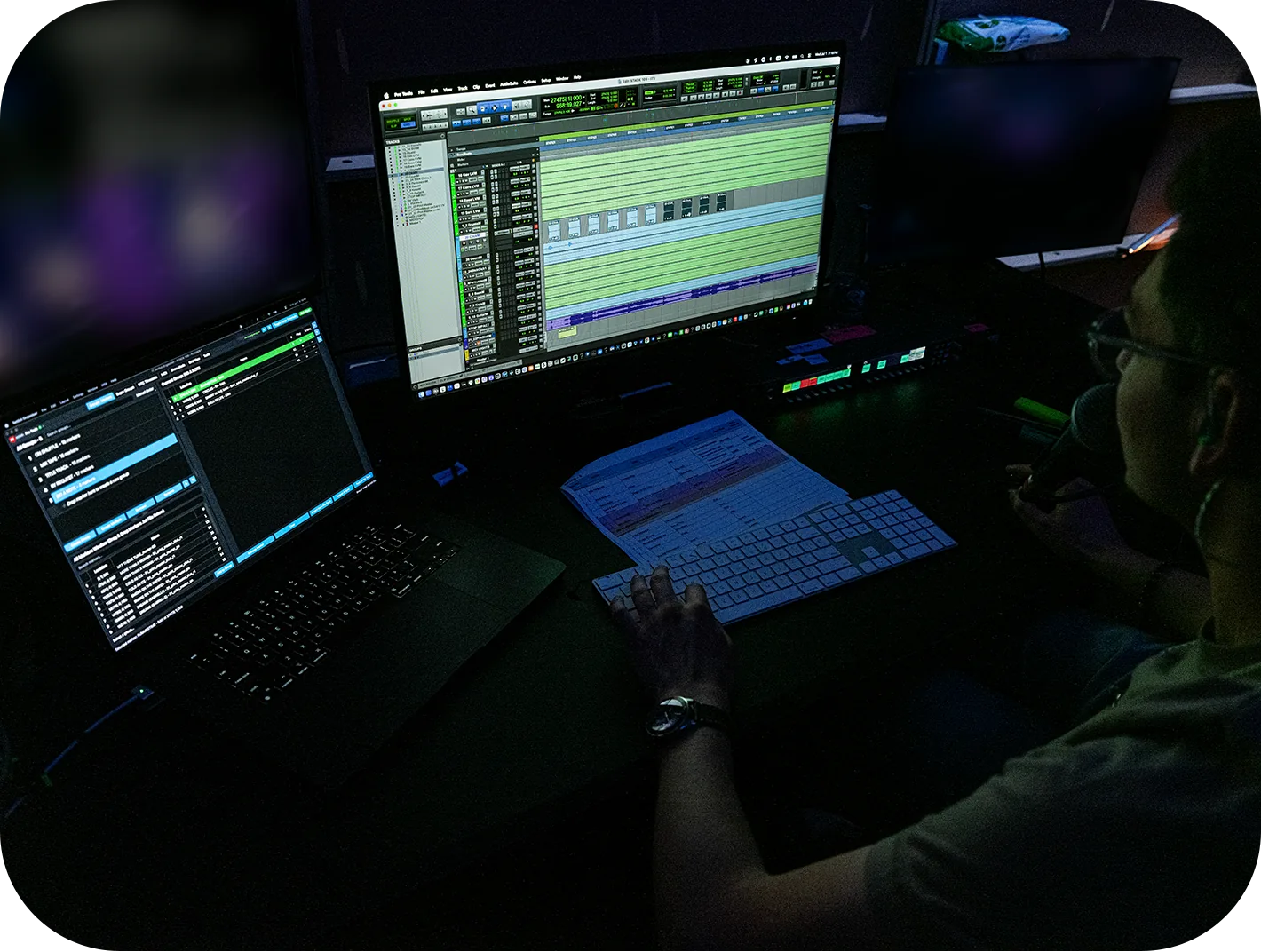
Works with the DAW you already run.
Setlist Organiser works the same way regardless of which DAW you use, thanks to a unified internal interface. Only the transport protocol changes, determining the level of integration available. And with Pro Tools, that integration goes deepest.
A direct connection to Pro Tools’ own API enables reading and writing markers, controlling timeline selections, accessing session information, and stopping playback with sample accuracy. Our included AAX plugin reads the playhead’s sample position directly from Pro Tools, delivering precise timing.
Markers read and written, timeline selection, session info and sample-accurate stops. Import from CSV or straight from the project file, with region support.
Transport, locate and timecode follow. Import markers from a MIDI file with the tempo map read in, and a session start offset for the usual 01:00:00:00.
Marker import, transport and timecode follow, plus the one thing no other DAW here can do: seamless section looping while the transport is rolling.
Sample-accurate stops are Smart Link and Reaper only. Seamless looping is Bitwig only. “Frame-accurate” describes timecode follow and display, and is not a synonym for sample-accurate. The full capability matrix.
Markers are read directly from your open Pro Tools or REAPER session.
Select Import from Pro Tools to bring markers directly from your open session into Setlist Organiser. Resync whenever your session changes to keep your running order up to date. Alternatively, drag in an exported session text file.
- Import markers in bars and beats or timecode.
- Whole sessions at a time: the capture here imports 350 markers
- Reaper, Logic Pro and Bitwig import from a session export, a CSV or a MIDI file, unedited
Create a group, drag and drop the markers. That's it.
A group is a setlist or cuelist. Pick the markers you want in the All Markers Window. Drag them into the All Groups Window. Name the group. Add the rest by drag and drop. Reorder as needed. Create headers to organize your setlists.
- Create Stop markers with the Place Stop Marker tool. Their durations are automatically displayed in the marker’s group
- The All Markers section, lists all imported and ungrouped markers. Drag a marker into the All Groups section to automatically create a group
- Create Multiple creates a batch of groups from a base name and a count, for a run of dates or alternative setlist or cue list variations
- Create Automatic groups in Pro Tools by labeling a marker Group followed by a name. All markers from that point up to the Group End marker are included in the group
Uncluttered Show Mode and Grid View.
Show Mode prominently displays the current song, with the next song displayed in the section below. A progress bar tracks playback to the current song’s Stop marker.
- Previous, Play, Stop, Next and Panic Stop provide on screen controls that follow midi mapping.
- Tap a pad and the DAW locates to it; the bank follows the current marker on its own
- Map any MIDI controller with MIDI Learn. Create profiles and switch between them for the same or different devices.
Tools: the workbench for your DAW
The Tools tab helps you get your session ready, from producing stems with the Assistant, to preparing timings for the Assistant Director using the Region Durations tool. Built-in tools are included in your licence, with additional tools available through the Marketplace as they are released.
- The Assistant can be instructed to “bounce selected”, and the assistant will bounce tracks and create stems for you from your Pro Tools session.
- A Dry Run switch shows what a tool would change before it changes it
- Snap Stops to Audio End moves each stop marker to the real end of its song’s audio, read from a reference track
- Region Durations is the tool your assistant director has wished you had for years! Generate PDF duration info to make your AD happy.
- Section Transfer moves a multitrack section from one session to another: Pro Tools to Reaper, Reaper to Pro Tools, or within the same DAW. Clips, markers and tempo come with it. The transfer tool you have been asking for. A paid add-on.
One show Multiple screens.
Run the desktop app on your laptop and open the Companion in a browser on phones and tablets. Use control mode to run the show from one device, while others can follow along by selecting view-only mode.
Scan the QR code to open the Companion on your phone or tablet, with nothing to install and no account needed. Connect for free over the same local network, or use the paid Remote option to connect from anywhere with internet access. Multiple devices can follow the show at once, each with its own view, while changes stay in sync.
- Live timecode, current and next song, and a countdown to the stop on every screen
- Four views per device: Show Mode, a pad grid, the setlist, and a marker list you can rename and reorder from
- Choose Control to run the show, or View-only to follow the setlist’s progress.
- Works on a local network with no internet, keeps the screen awake, and reconnects on its own
The running order, inside the Pro Tools window.
A signed plugin, installed from inside the app, puts the same marker list, groups and transport on a track insert in Pro Tools, so the set is on screen without switching application. The current song is lit, every song shows its time to the stop, and a countdown runs while the session rolls. Import, Rescan & Sync and Push to Pro Tools run from the panel, and it stays in step with the app both ways.
- Add headers, rename and reorder from the panel, and step through the set with Previous and Next
- Gives the app the playhead’s exact position straight from Pro Tools, so the stop countdown and the position display are tighter than any external sync can be
- Works in Smart Link or Standard mode
- Part of the licence, not an extra
Main rig and backup, running in step.
Open the same setlist on both machines and they find each other on the venue network. From then on a click on either is a click on both: pick a song, jump to a marker, change group or switch view, and the other machine does the same, each driving its own DAW. It mirrors what you do, not the audio; both DAWs chase the same timecode as they always did.
- Works from either end, so the backup can drive the main rig, not just follow it
- Finds the other machine on its own, with a copy-link fallback for venue Wi-Fi that blocks it
- If one machine drops off the network, the other carries on and takes the lead
One licence, two machines.
A perpetual licence covering every feature above, on a main rig and a backup. The trial is the full application with no expiry; each session runs twenty minutes, then playback, timecode and networking stop until you relaunch.
What people running shows say.
Real names, real productions. If it was not said about a show it ran, it is not here.
One price, perpetual licence.
A perpetual licence, not a subscription. When the update year lapses the app keeps running forever on the last version you are entitled to. It does not stop, and it does not nag you on a show day.
Setlist Organiser
Perpetual licence for macOS
One-time. Includes one year of feature updates.
Buy Setlist Organiser- Two machines for main rig and backup
- Pro Tools, Reaper, Logic Pro and Bitwig
- Show Mode, Grid View, Large Timecode, Mini Control Bar, Progress Timer
- Timecode-synced video to a second screen or projector
- Companion on phone and tablet over your local network
- Network sync keeps the main rig and backup in step
- Built-in tools to assist show and stem production
- PDF, CSV and JSON export
- Bug fixes are free, always, for the version you own
- Email support direct from the developer
After the first year, feature updates continue for $79–$99 a year. Decline it and nothing breaks. You keep the version you have.
Prices in US dollars. VAT or sales tax is added at checkout where it applies. Checkout, VAT and refund handling are by Lemon Squeezy as merchant of record. Your statutory consumer rights are unaffected.
Free trial
The whole app, before you decide
Full app, no expiry, no card. Without a licence each session runs 20 minutes, then playback, timecode and networking stop. Relaunch for another.
Download for macOS- Every feature unlocked, not a cut-down version
- No time limit, so you can evaluate across a whole production
- Each session stops after twenty minutes; relaunch for another
- Activate in place when you buy. Nothing to reinstall
Checkout
Card or PayPal through Lemon Squeezy as merchant of record. They handle VAT and the receipt. You are not creating an account with us.
Your licence key, by email
Sent to the address you check out with, along with the receipt. Keep the email; it is what you use if you rebuild a machine.
Activate in place
Paste the key into the trial you already have. Nothing to reinstall, and every show you built during the trial is still there.
Questions
What do I need to run it?
macOS 15 (Sequoia) or later. Setlist Organiser sits alongside your DAW on the same machine, or on a second machine over the network. Full system requirements.
Does it change my Pro Tools session?
Not unless you ask it to. It reads the markers, either straight out of the open session over Smart Link or from an export file, and in Smart Link mode it can write markers back and set the timeline selection. Your audio, your edits and your mix are never touched.
Smart Link or Standard: which should I use?
Smart Link. It is the default and the best way to run Pro Tools: markers read and written straight from the open session, timeline selection, session info and sample-accurate stops. Standard is the fallback for Pro Tools versions before 2022, which cannot offer that connection. Leave the app in Auto and it uses Smart Link whenever the session supports it and drops to Standard on its own.
How does the trial work?
Full app, no expiry, no card. Without a licence each session runs 20 minutes, then playback, timecode and networking stop. Relaunch for another.
Every feature is unlocked, so a complete show can be built and tested. The only restriction is the twenty-minute session limit.
Can I use it on my backup rig?
Yes. One licence covers two machines, main and backup, and when both are running, network sync keeps them in step.
What happens after the first year?
Your app keeps working, permanently, on the last version you were entitled to. Renewing at $79–$99 a year buys continued feature updates. Bug fixes to a version you own are always free.
Does the Companion need an install or an account?
Neither. The desktop app serves it directly to the device’s browser. Scan a QR code and it is running. Nothing is installed and nothing leaves your network.
I use Reaper, Logic Pro or Bitwig. Will it work?
Yes, with different depth in each. Pro Tools is where the integration goes deepest; Reaper also supports marker read/write and sample-accurate stops; Logic Pro is transport, locate and timecode follow over MMC; Bitwig is the only one that can loop a section while the transport is rolling. The full matrix is here.
Buy it, or run the trial first.
Buy and activate in place, or download the trial and import your markers. The trial is the full application with no expiry; each session runs twenty minutes, then playback, timecode and networking stop until you relaunch.